App Screen
The home screen
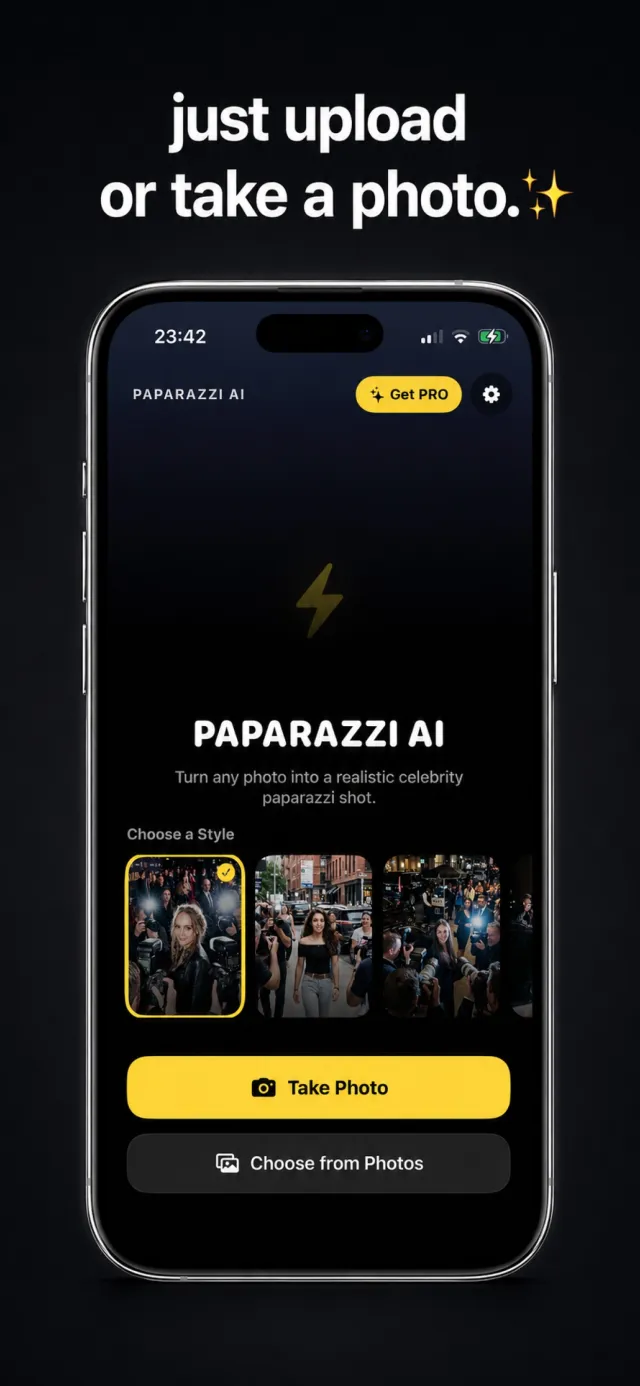
Paparazzi AI opens on a single screen. A lightning-bolt mark, the app name, a short line of copy, and a horizontal strip of the 10 paparazzi styles. Two buttons start the flow — take a new photo or pick one from your library.
You can pick a style here first, or choose your photo first and select the style on the next screen. Either order works.
Get caught by the paparazzi
Paparazzi AI is free to download on the App Store.